PSC FALCON 315 Uživatelská příručka Strana 78
- Strana / 138
- Tabulka s obsahem
- KNIHY

- PowerNet 1
- Twin Client 1
- CONTENTS 3
- PowerNet Twin 7
- Client Emulator 7
- What is PowerNet Twin Client 9
- Getting Started 11
- Installation 13
- Starting PowerNet Twin Client 16
- Figure 1-1 17
- Start Screen 17
- PowerNet Twin Client 17
- (C) 1991-1998, Connect 17
- Press Any Key to Continue 17
- Edit Host List 19
- Edit Authorization 20
- Running Emulator 22
- Viewport Panning 23
- Configuration Utility 25
- Figure 2-1 27
- Table 2-1 28
- Default VT100 28
- Available Values 28
- Figure 2-2 29
- Figure 2-3 30
- Figure 2-4 32
- Auto Send Key 33
- Key Click 33
- Case Conversion 33
- The Display Tab 35
- Lock Column 37
- Scroll Mode 37
- Mapping Object 39
- Dialog Object 39
- Formatter Object 39
- Double High 41
- Double Wide 41
- Reverse Video 41
- Wait Message 41
- Figure 2-9 42
- The Scanner Tab 43
- Figure 2-10 44
- Binary-128 45
- Data Mapping Object 45
- Data Editor Object 45
- The Log Levels Tab 46
- Figure 2-11 47
- Figure 2-12 48
- AP Polling Options Group 49
- The Alarm Tab 51
- Duration 53
- Frequency 53
- Scan Duration 53
- Scan Frequency 53
- Figure 2-15 54
- Init Object 55
- The Misc Tab 56
- CTRL-E) 57
- Load New Configuration 58
- Advanced 59
- Keyboard Options 59
- Keyboard Macros 61
- Advanced Keyboard Options 62
- Figure 3-1 63
- Keyboard Mapping 65
- Display Options 67
- 0xa5=0x9d,xlat; 69
- 0xa4=0x9b,xlat; 69
- Advanced Display Options 70
- Scanner Options 71
- Advanced Scanner Options 74
- Figure 5-1 75
- Build Data Editor Object File 77
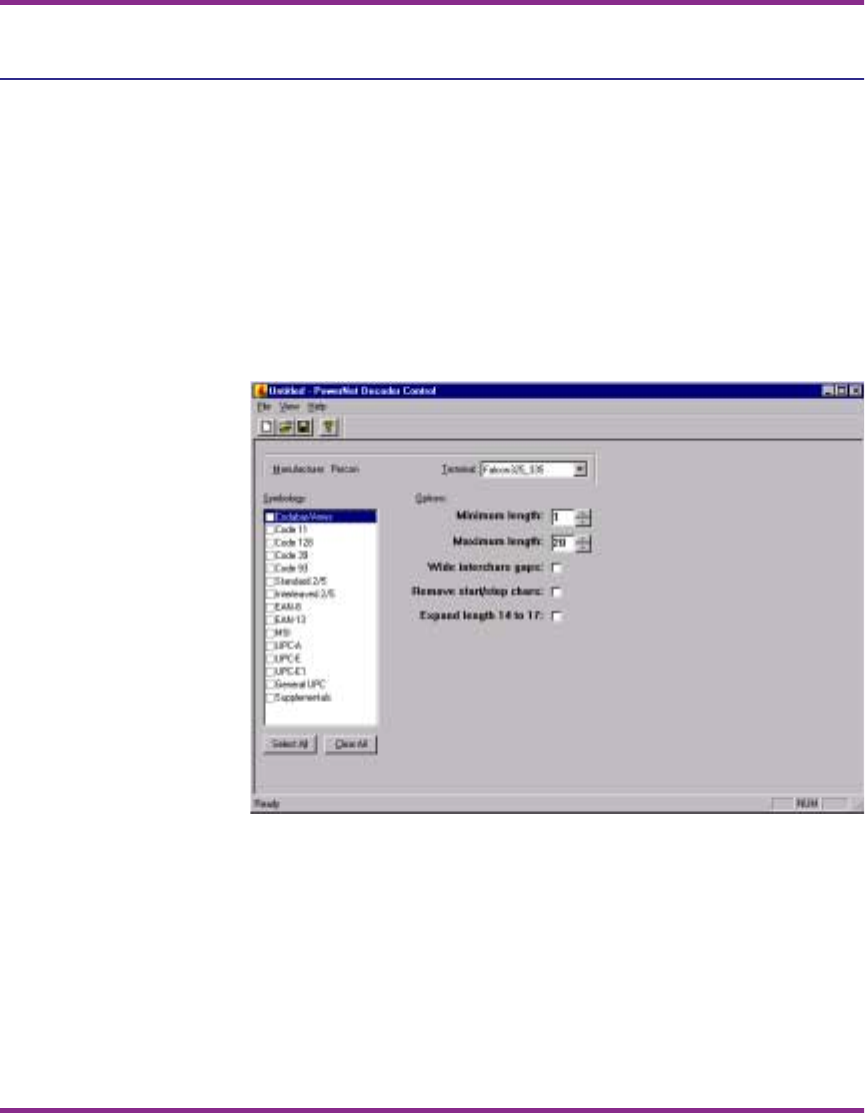
- Decoder Control Object 78
- Extended Commands 79
- Input Mode 82
- Input Validation 83
- Double High/Wide 84
- Beeper Control 85
- Video Attributes 86
- Screen Capture Utility 87
- Start Screen Capture 89
- Identify Terminal Host 90
- Figure 7-1 91
- Capture Screens 92
- Starting the Screen Formatter 95
- Figure 8-1 96
- Screen Formatting Concepts 97
- Screen Elements 97
- Screen Formatter Environment 98
- Figure 8-2 99
- Figure 8-3 Screen Formatter 100
- Mark Screen Elements 101
- Screen Formatter Utility 102
- Figure 8-5 103
- Build Terminal Screen 104
- Figure 8-6 105
- After Reformatting 106
- APPENDIX A: 107
- Model VT 109
- Models 3270/5250 110
- APPENDIX B: 111
- Table B-2 116
- APPENDIX C: 117
- Table C-2 122
- APPENDIX D: 123
- Table D-2 128
- 00-649-00 138
Související produkty a manuály pro Čtečky čárových kódů PSC FALCON 315
 (232 stránky)
(440 stránky)
(168 stránky)
(66 stránky)
(97 stránky)
(48 stránky)
(232 stránky)
(440 stránky)
(168 stránky)
(66 stránky)
(97 stránky)
(48 stránky)
 (116 stránky)
(480 stránky)
(88 stránky)
(100 stránky)
(200 stránky)
(76 stránky)
(116 stránky)
(480 stránky)
(88 stránky)
(100 stránky)
(200 stránky)
(76 stránky)
© 2020, manymanuals.cz. Všechna práva vyhrazena. | 0.029 s |
 Manymanuals.com
 Manymanuals.de
 Manymanuals.fr
 Manymanuals.it
 Manymanuals.pl
 Manymanuals.cz
 Manymanuals.es
 Manymanuals-pt.com
Komentáře k této Příručce